Welcome back! Time for another post, This previous week was a very busy for me and I didn’t manage to get too much time out in the wilderness. That being said, I did get a quick opportunity on my way to school late last week down at Esquimalt lagoon. I had my scope with me and had seen some ducks have migrated back into the area and snuck in a little video of a young mallard drake (male). Who was just growing in its adult feathers, at first glance you would almost say its a female but after inspecting the beak and wing pattern you are able to identify it as a young drake.
Alright after trying to get this video to upload for far too long I finally got it to upload. Here is the young drake video I got before school last week. I really like how stable this video was, It’s the first time I’ve had a video stay both stable and in focus for whole time. as I said a little earlier this was a difficult bird to identify, I found this website that is, as the name states “All About Birds”! It was a super helpful website for this video anyways. The page I linked covers only mallards, but the website has hundreds upon hundreds of different bird species. The website does a really good job of having an assortment of visuals like images and videos. It has a bunch of readings and studies and all around is useful for anyone trying to identify birds.
Mallard Identification, All About Birds, Cornell Lab of Ornithology
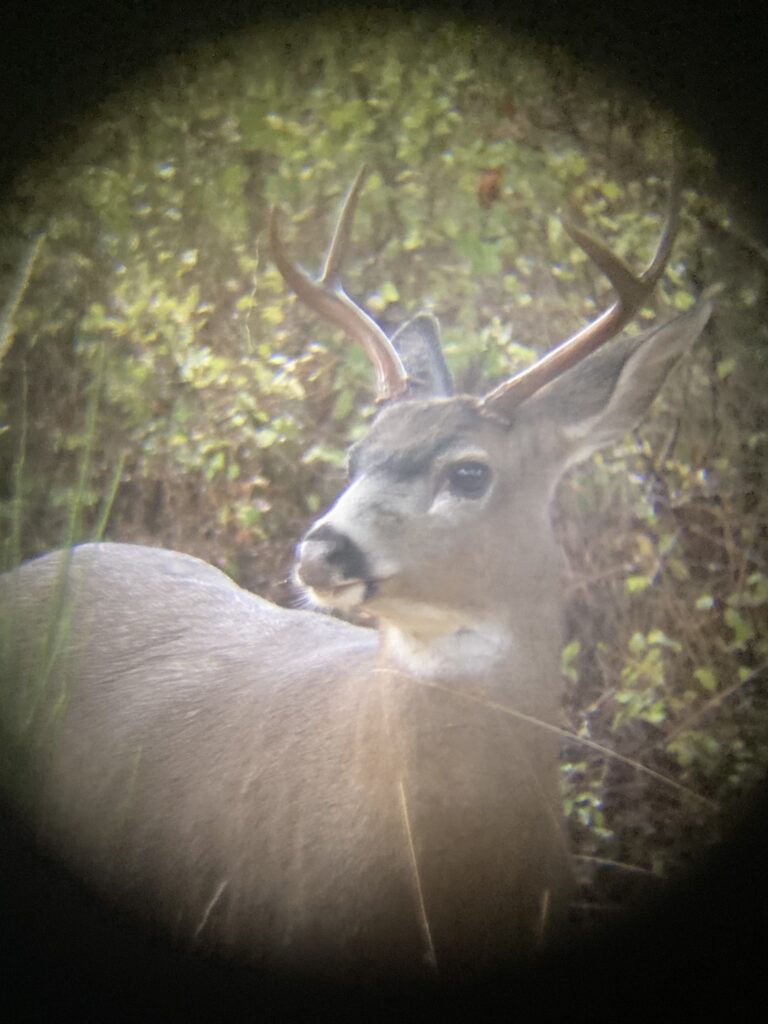
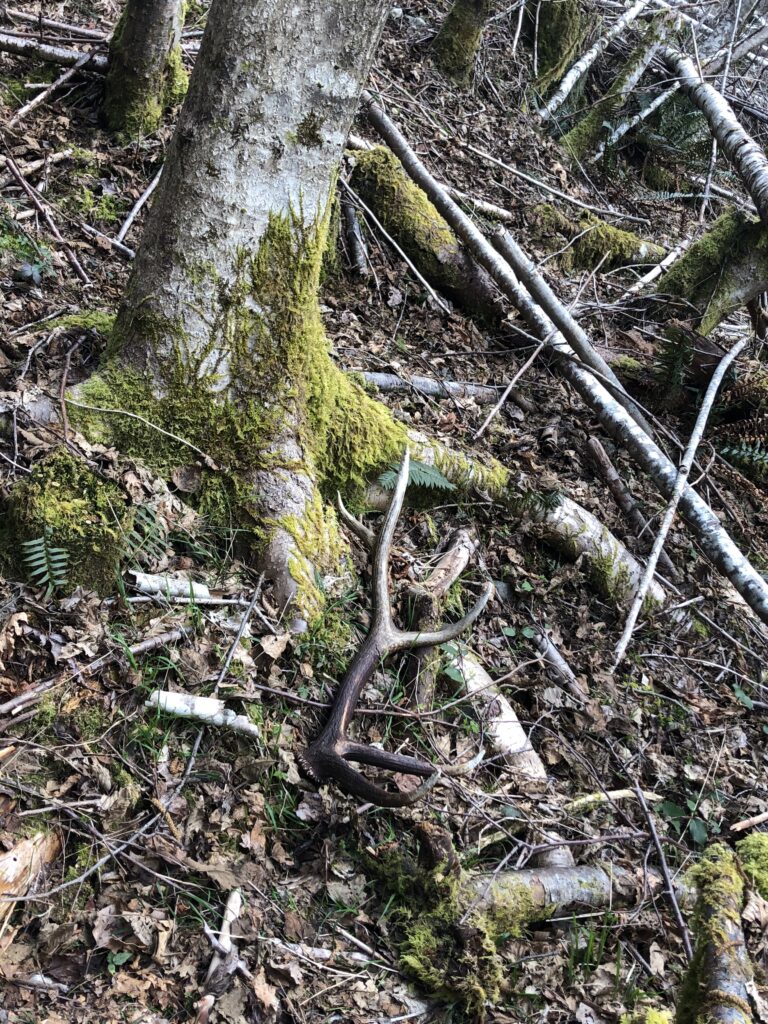
Next up I took this video of this bull elk in the Cowichan valley roughly a week ago. I had troubles with my tripod for this video and realized my tripod leg had actually become loose and while taking the video. The wind never helps either, if you take a close look at the bushes near the elk you can see just how windy it was this day. something cool about this bull is that I found a shed last year which was really similar in size and structure of this animal. For anyone that doesn’t know what a shed is I’ll give you a quick explanation. Antlered Ungulates such as deer, elk, moose, etc. grow a new set of antlers each spring-summer. after this growing period they keep their antlers on for only a handful of months typically anywhere from 5-6 months. After that period of time they loose their antlers through a process called “shedding” when an animal sheds their antlers a common term for them are “sheds” or shed antler.
Now that I gave you a very brief understanding, here is the shed I found last year. if you end up watching the video above closely you can see the bull has 5 points on each antler. exactly the same as the shed I found, meaning the animal that shed this antler would have been similar in age/maturity as the bull I have a video of above. Just a cool little coincidence…
Anyways, That’s going to conclude this post. I look forward to sharing with you next week. Thanks for reading, ~ Alex.